Installez l’Application GeoServer
Dans cette section nous allons configurer GeoServer pour GeoNode. GeoServer s’exécute à l’intérieur du conteneur sevrlet Tomcat.
Installer GeoServer
You’ve already installed Tomcat 8 in the system in the first section of the training. Before you deploy GeoServer stop the running Tomcat instance
$ sudo service tomcat8 stopNow copy the downloaded GeoServer archive inside Tomcat’s webapps folder
$ sudo cp -Rf /home/geonode/my_geonode/geoserver/geoserver/ /var/lib/tomcat8/webapps/Move
GEOSERVER_DATA_DIRon an external location$ sudo mkdir -p /data/geoserver-data $ sudo mkdir -p /data/geoserver-logs $ sudo mkdir -p /data/gwc_cache_dir $ sudo cp -Rf /home/geonode/my_geonode/geoserver/data/* /data/geoserver-data/ $ sudo chown -Rf tomcat8: /data/geoserver-data/ $ sudo chown -Rf tomcat8: /data/geoserver-logs/ $ sudo chown -Rf tomcat8: /data/gwc_cache_dir/
Set default Java settings
You need to edit the
/etc/default/tomcat8file$ sudo vim /etc/default/tomcat8Make sure
JAVA_OPTSare configured as follows#JAVA_OPTS="-Djava.awt.headless=true -Xmx128m -XX:+UseConcMarkSweepGC" GEOSERVER_DATA_DIR="/data/geoserver-data" GEOSERVER_LOG_LOCATION="/data/geoserver-logs/geoserver.log" GEOWEBCACHE_CACHE_DIR="/data/gwc_cache_dir" GEOFENCE_DIR="$GEOSERVER_DATA_DIR/geofence" JAVA_OPTS="-Djava.awt.headless=true -XX:MaxPermSize=512m -XX:PermSize=128m -Xms512m -Xmx2048m -Duser.timezone=GMT -Dorg.geotools.shapefile.datetime=true -XX:+UseConcMarkSweepGC -XX:+UseParNewGC -XX:ParallelGCThreads=4 -Dfile.encoding=UTF8 -Duser.timezone=GMT -Djavax.servlet.request.encoding=UTF-8 -Djavax.servlet.response.encoding=UTF-8 -DGEOSERVER_DATA_DIR=$GEOSERVER_DATA_DIR -Dgeofence.dir=$GEOFENCE_DIR -DGEOSERVER_LOG_LOCATION=$GEOSERVER_LOG_LOCATION -DGEOWEBCACHE_CACHE_DIR=$GEOWEBCACHE_CACHE_DIR"
Avertissement
Double check memory options
-Xms512m -Xmx2048mare compatible with your VM available RAMSet default Catalina settings
You need to edit the
/var/lib/tomcat8/conf/catalina.propertiesfile$ sudo vim /var/lib/tomcat8/conf/catalina.propertiesMake sure
bcprov*.jaris skipped at run-timetomcat.util.scan.StandardJarScanFilter.jarsToSkip=\ ... xom-*.jar,\ bcprov*.jar
Restart Tomcat 8 service
$ sudo service tomcat8 restartYou can follow the start-up logs by running the following shell command
$ sudo tail -F -n 300 /var/lib/tomcat8/logs/catalina.out
Test GeoServer
Maintenant démarrez Tomcat pour déployer GeoServer:
sudo service tomcat7 start
Tomcat va extraire l’archive web de GeoServer et commencer GeoServer. Cela peut prendre un certain temps
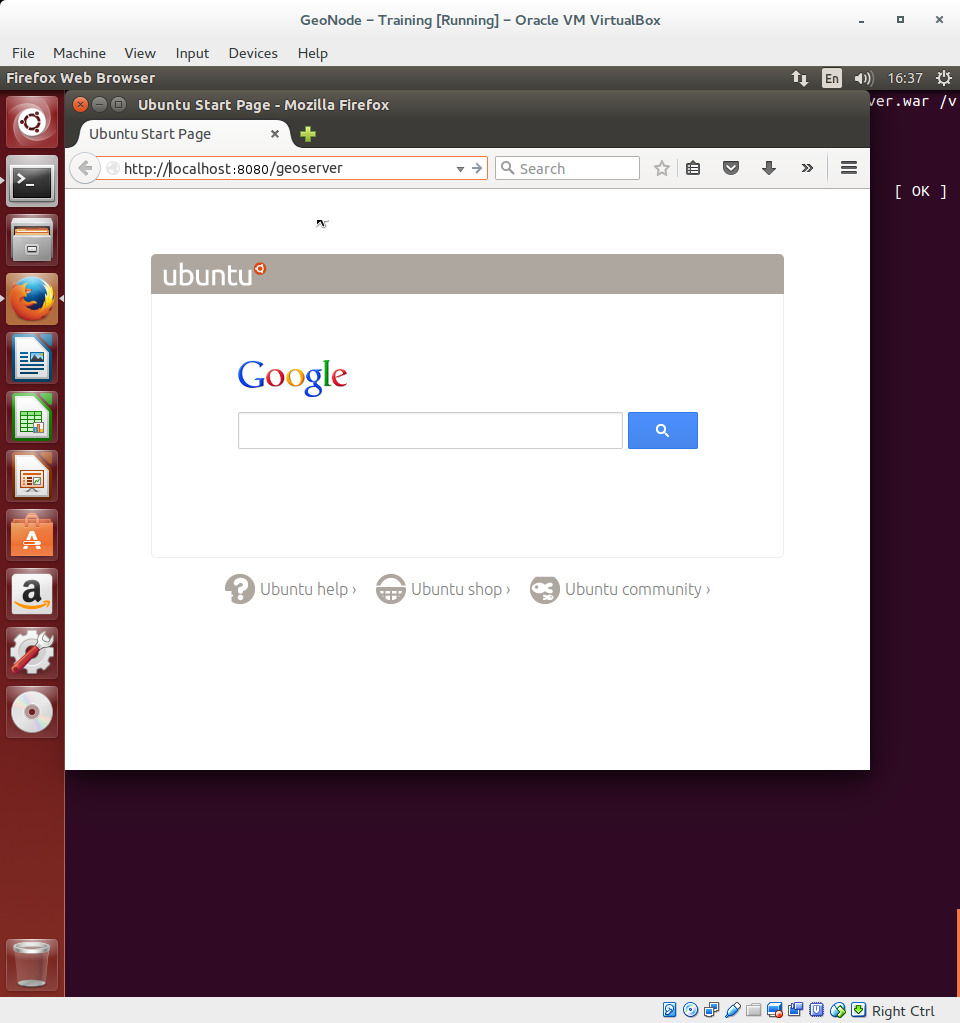
Ouvrez un navigateur web (dans cet exemple, Firefox) et naviguez jusqu’à http://localhost:8080/geoserver
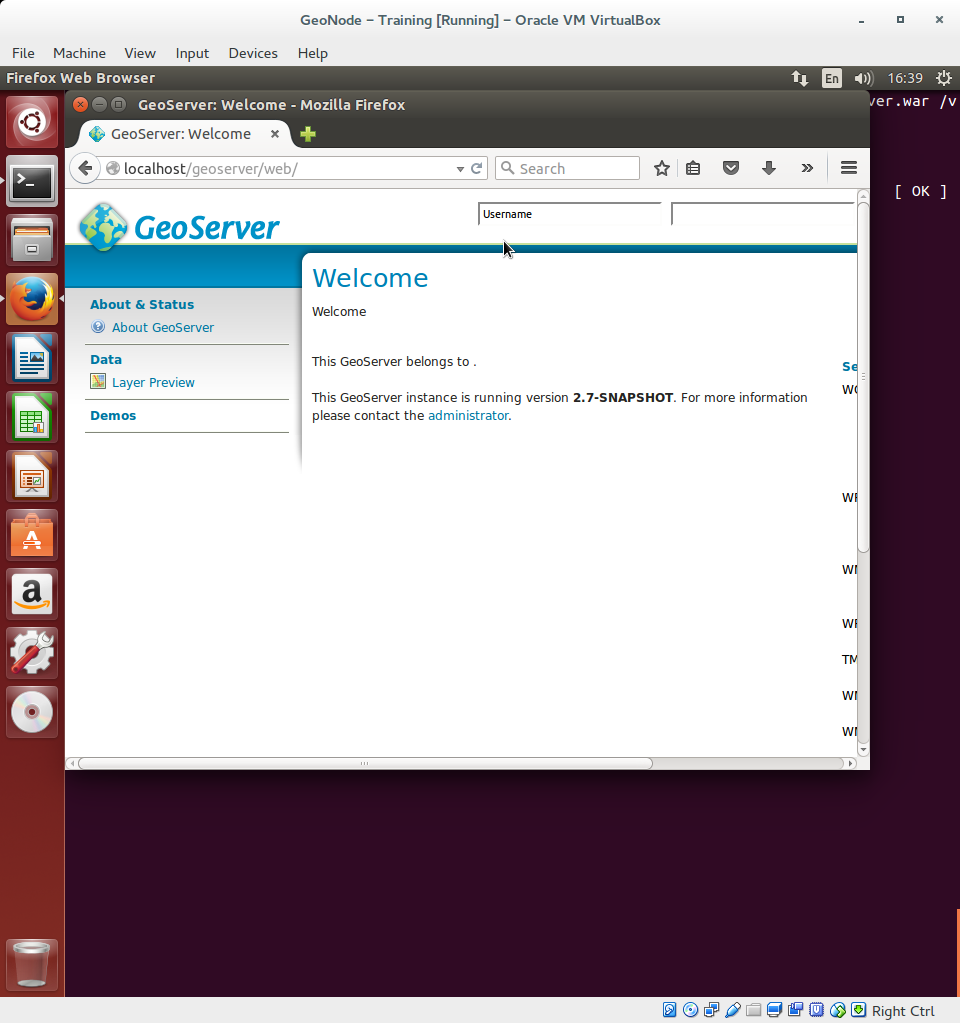
Dans le web de GeoServer, l’ interface apparaîtra dans quelques secondes :
Intégration de l’authentification GeoNode
All we need to do now is to integrate GeoNode authentication so that GeoNode administrator will be able to access and administer GeoServer as well.
Stop GeoServer
$ sudo service tomcat8 stopEdit
/data/geoserver-data/security/filter/geonode-oauth2/config.xmlwith a text editor$ sudo gedit /data/geoserver-data/security/filter/geonode-oauth2/config.xmlAnd make sure the following values are configured as follows:
<accessTokenUri>http://localhost/o/token/</accessTokenUri>
<userAuthorizationUri>http://localhost/o/authorize/</userAuthorizationUri>
<redirectUri>http://localhost/geoserver</redirectUri>
<checkTokenEndpointUrl>http://localhost/api/o/v4/tokeninfo/</checkTokenEndpointUrl>
<logoutUri>http://localhost/account/logout/</logoutUri>
Edit
/data/geoserver-data/security/auth/geonodeAuthProvider/config.xmlwith a text editor$ sudo gedit /data/geoserver-data/security/auth/geonodeAuthProvider/config.xmlAnd make sure the following values are configured as follows:
<baseUrl>http://localhost/</baseUrl>
Edit
/data/geoserver-data/security/role/geonode\ REST\ role\ service/config.xmlwith a text editor$ sudo gedit /data/geoserver-data/security/role/geonode\ REST\ role\ service/config.xml
And make sure the following values are configured as follows:
<baseUrl>http://localhost</baseUrl>
Edit
/data/geoserver-data/global.xmlwith a text editor$ sudo gedit /data/geoserver-data/global.xmlAnd make sure the following values are configured as follows:
<proxyBaseUrl>http://localhost/geoserver</proxyBaseUrl>
Restart GeoServer to make the changes effective
$ sudo service tomcat8 restartYou can follow the start-up logs by running the following shell command
$ sudo tail -F -n 300 /var/lib/tomcat8/logs/catalina.out